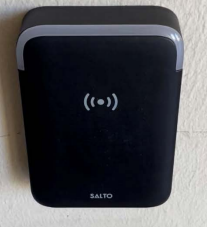
Step 1: Enter 4-digit pin (birhtday month & date)
Step 2: Hold Torero Card up to pad
Unlock a Door
Enter your 4-digit pin code on the pin pad, then hold your Torero ID Card to the SALTO reader until the indicator light turns green.
- The default pin is your birth month and day. For example, a birthday of July 24th would be 0724. If you wish to change your default pin please contact campuscard@sandiego.edu.
Updating your Access/ID Card
How to Update your ID Card via an Exterior Salto Lock
If there is a pin pad, enter your 4-digit pin code, then hold your card up to the reader. A blue light will flash, this is an indication that new data is being sent to your card. Continue holding your card up until the indicator light turns green to open the door.
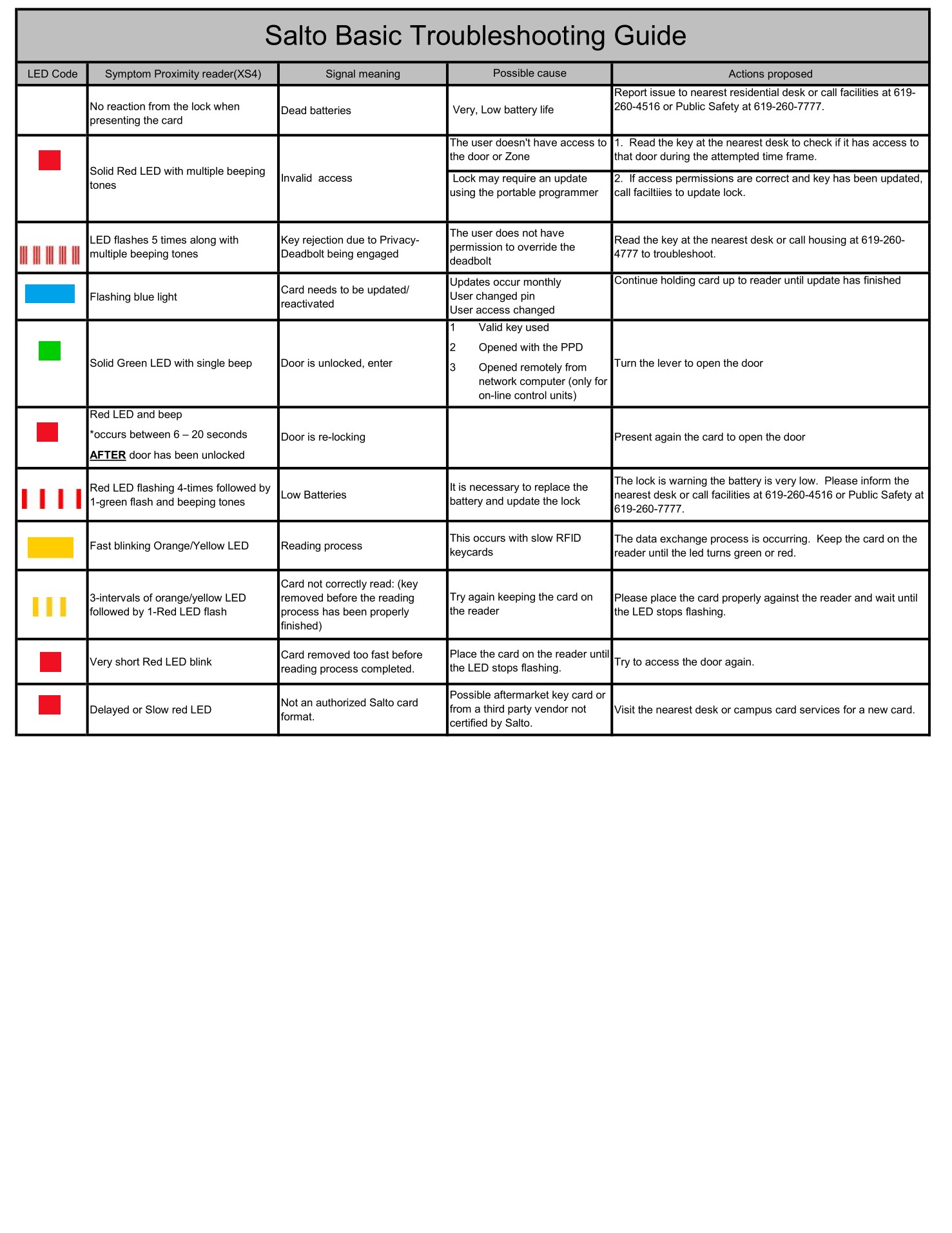
Troubleshooting Light Indicators