
Starting Monday, August 3rd, we are rolling out a new security feature: Passwordless Authentication. This feature enhances our campus cybersecurity while making your daily login process faster and smoother.
By opting in, you can log in using biometric features like Face ID or Touch ID on your iPhone or Android device. If you prefer not to use biometrics, you can also set up a device passcode instead.
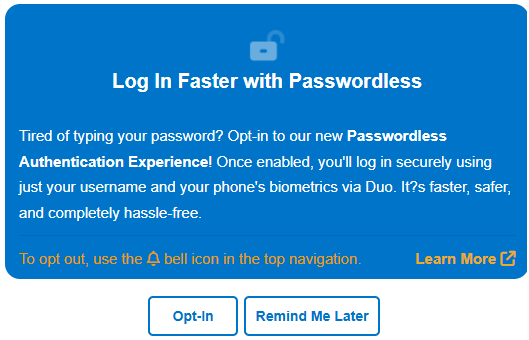
Step 1
Log into the MySanDiego portal and click "Opt-In" on the blue notification banner.

Step 2
Log out of the portal (click your name in the top-right corner and select Log Out).
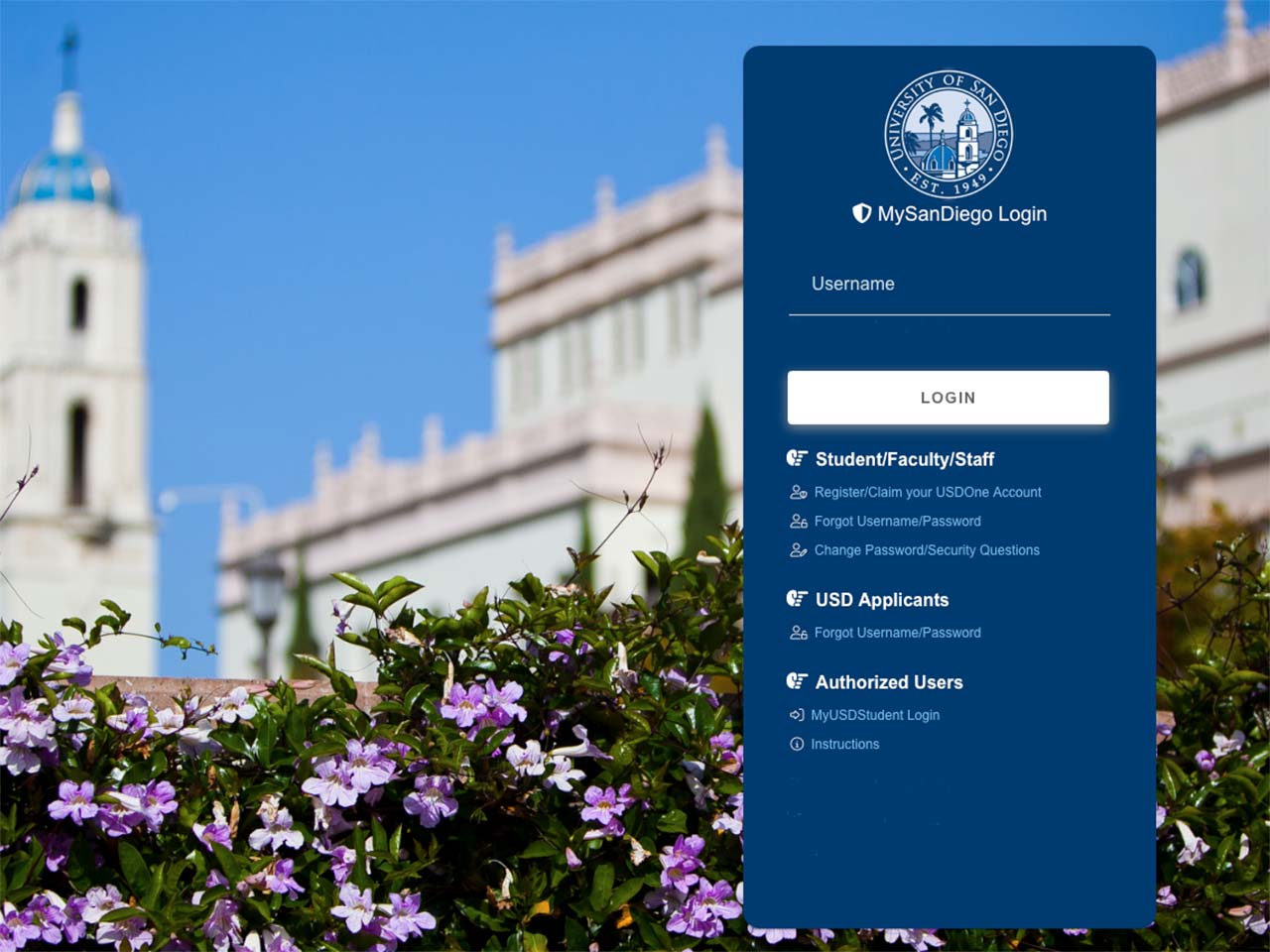
Step 3
Log back in to finish setting up your preferred method (Face ID, Touch ID, or Passcode).
Not ready to switch?
Passwordless login is optional for the moment. If you prefer to wait, you can continue signing in the traditional way. In that case, the only change is that the username and password will now be on two separate screens.
If you have any questions or need assistance, please contact the IT Help Desk at help@sandiego.edu.