
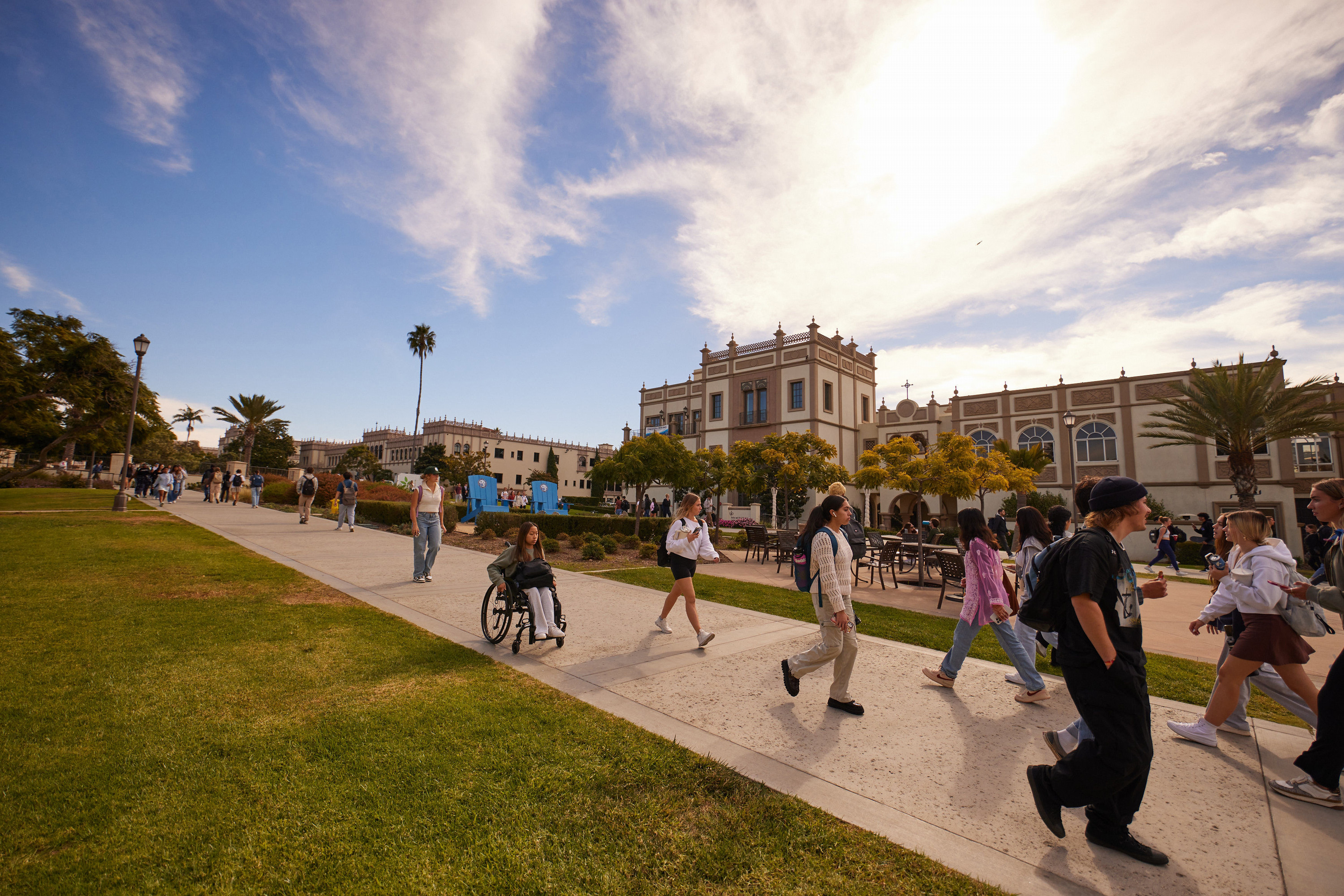
We look forward to seeing you on campus soon!
Before you arrive, we wanted to share a few helpful tips:
With our sunshine and blue skies, don't forget to bring sunscreen!
Comfortable walking shoes can make all the difference. Be sure to wear your best pair for your journey across campus.
Hydration is key. If you have a reusable water bottle, be sure to bring it along to fill up at our water stations across campus.
Our campus tours start in Manchester Hall with a 30-minute information session led by one of our admission representatives. Following that, you'll embark on a 90-minute tour of our campus. Please note that residence hall visits are not available. To explore what they look like, we recommend checking out our Housing Tour page.
Jump into campus life by cheering on our NCAA Division I Toreros! Check out the game schedule before your arrive to see which events you can attend.
Getting to Campus
Campus Arrival
For your tour arrival, please use the West Entrance on Marian Way to access the West Parking Lot. After parking, make your way to the Office of Undergraduate Admission, located in Manchester Hall. You may either walk or catch the USD Tram at one of the many stops throughout campus. There is a tram stop conveniently located on the ground level of the West Structure.
Parking
Visitors to our campus must park in the West Parking Structure.
While parking is complimentary for campus tour visitors, you’ll still need to register your vehicle using the code provided in your tour confirmation email. Upon arrival, please locate a parking pay station in the West Parking Structure and follow the steps below to enter your license plate number and validation code.
Please follow the steps below to ensure your vehicle is properly registered and avoid receiving a citation:
Step 1: Please note or take a photo of your vehicle's license plate number and state registration.
Step 2: At the pay station, if the keypad screen is black, push START. (Please note: The Parkmobile app may NOT be used when entering a validation code.)
Step 3: Press option “2” on the keypad for Enter Validation Code.
Step 4: Enter your license plate number, then press the green “Enter” button.
Step 5: Enter the 4-digit parking code provided to you, then press the green “Enter” button again.
Step 6: The expiration time will be displayed, and a receipt will print for your reference. There’s no need to place it on your dashboard.
From the Airport
Campus is about a 10-minute ride from the airport. Both taxis and ride share services are available and should cost approximately $20.
Rideshare
For visitors using a rideshare app like Uber or Lyft, please set Copley Library as your drop-off and pick-up location. Manchester Hall is just a short walk from the library once you arrive on campus.
Check-In Process
After parking, head over to the Office of Undergraduate Admission to check in for your visit. The Office of Undergraduate Admission is nestled inside Manchester Hall, which is a short — but rather steep — walk from the West Parking Structure. Don't worry, trams are also available to take visitors up the hill. (To learn more about the timing and routes of trams, take a look at the tram schedule.) There is a tram stop conveniently located at the bottom (ground floor) of the West Parking Structure. Please take this tram to the Paseo de Colachis Tram Stop, which is the nearest tram stop to Manchester Hall. Once you've exited the tram, walk east and find us in Manchester Hall.
Hotel Accommodations
Bartell Hotels, owned and operated by USD alumnus Richard Bartell, offers discounted room rates to friends and visitors of USD and donates 10% of all total room costs back to the University in support of student scholarships. All eight Bartell Hotels are conveniently located near campus as well as other major San Diego attractions, with many being situated on the water's edge.
To learn more about the special rates available to you during your stay, please visit www.usdpartnership.com or call (800) 345-9995. For more information, contact Dana Irby, CMP at (619) 224-1556.