See a list of the upgraded classrooms with camera capabilities.
Watch
How to Operate the Classroom Podium and Hybrid Instruction Technology
Need to schedule an on-site demo of the Virtual/Hybrid Classrooms?
Watch the video above explaining the classroom setup so you have an understanding, then send an email to ims@sandiego.edu and a staff member will get back to you schedule a time.
What’s Available In Most Classrooms
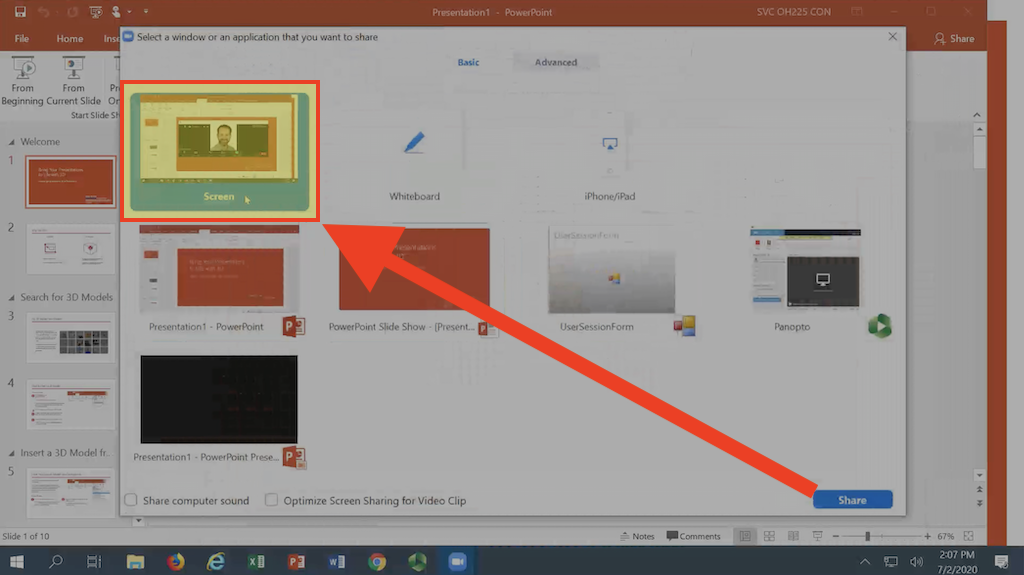
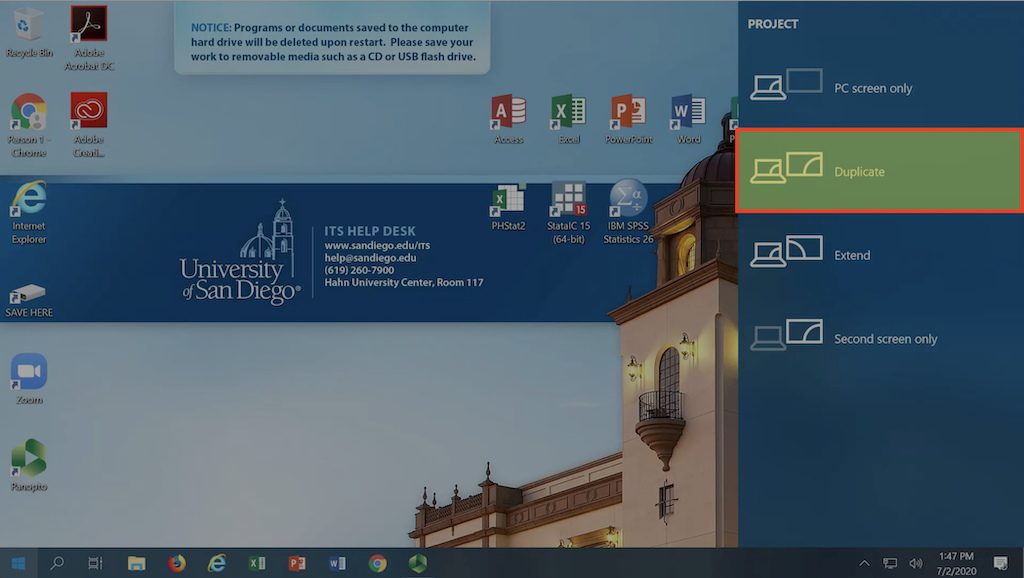
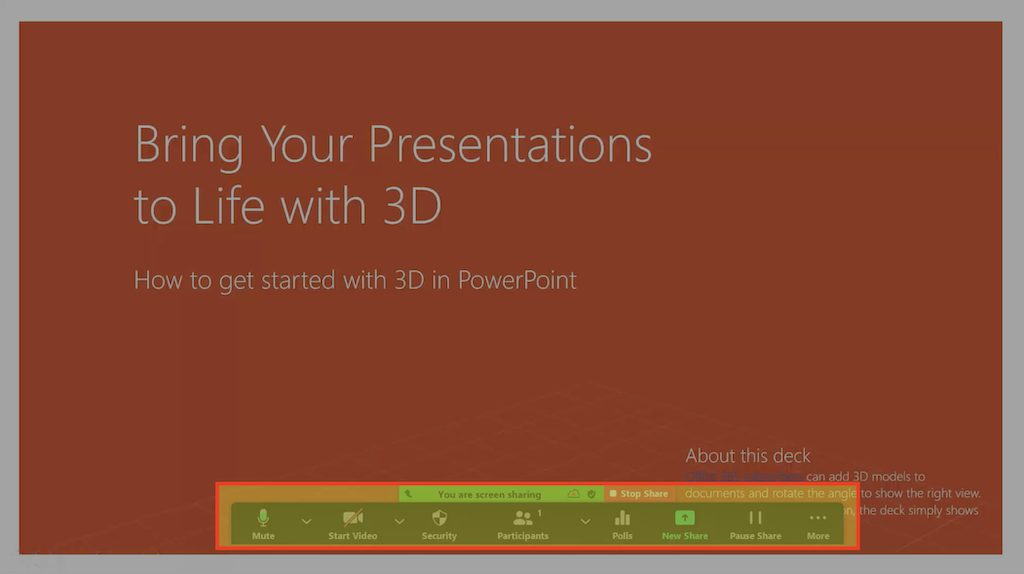
Faculty will have access to Zoom and Panopto on all classroom podium computers where they can launch the software to access these upgrades. On the classroom computer desktop, you will see icons for Zoom/Panopto. Launch the software you want to use and login.
- 2 HD cameras with optional pan, tilt, and zoom options
- 2 microphones to capture the instructor and student voice
- Touch screen monitor with pen tool on the side of the monitor
- Document camera (that can also be used as a camera input)
- Updated podium control panel to choose camera shots
Checklists for Hybrid Teaching and/or Recording Your Classes
- Make sure your Canvas course is created before you begin.
- Claim your Panopto account and verify you have Creator access. If you see a Create button, you are a Creator.
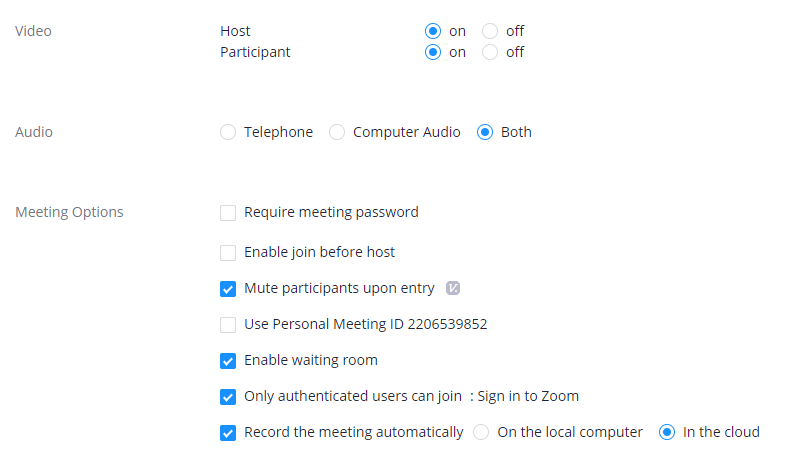
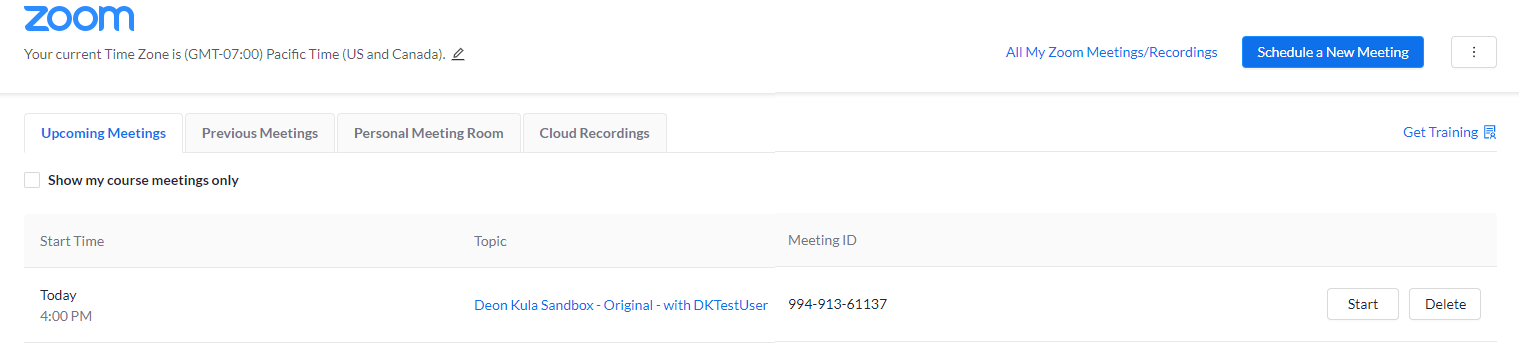
- Make sure you have your Zoom session scheduled.
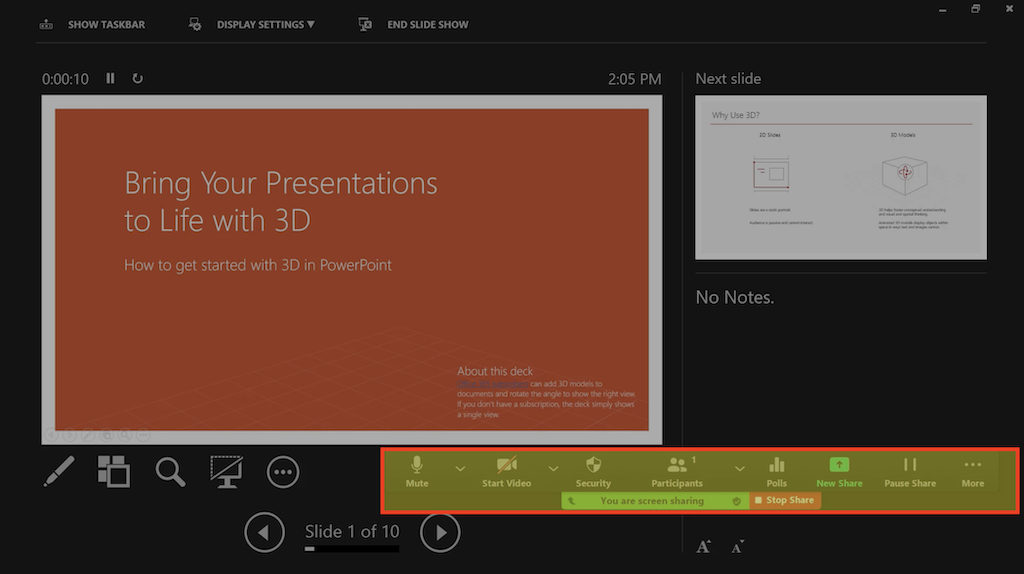
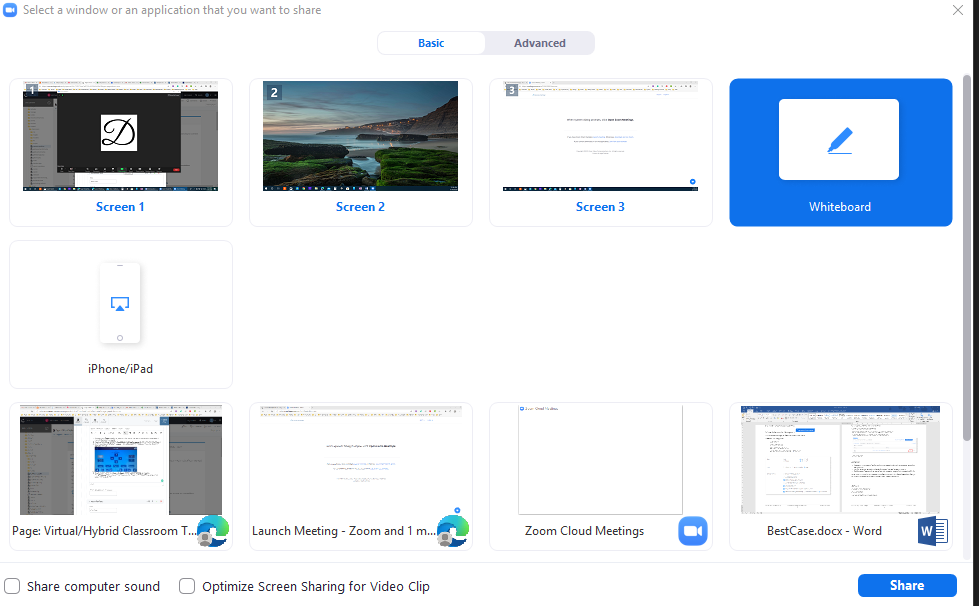
- You must be using the classroom podium in order for the cameras and sound to capture your Zoom meeting.


Switching Cameras on Zoom
Selecting between Classroom Camera and Instructor Camera on the Control Panel is only meant for you to choose what camera you want to control and not to switch cameras on Zoom.
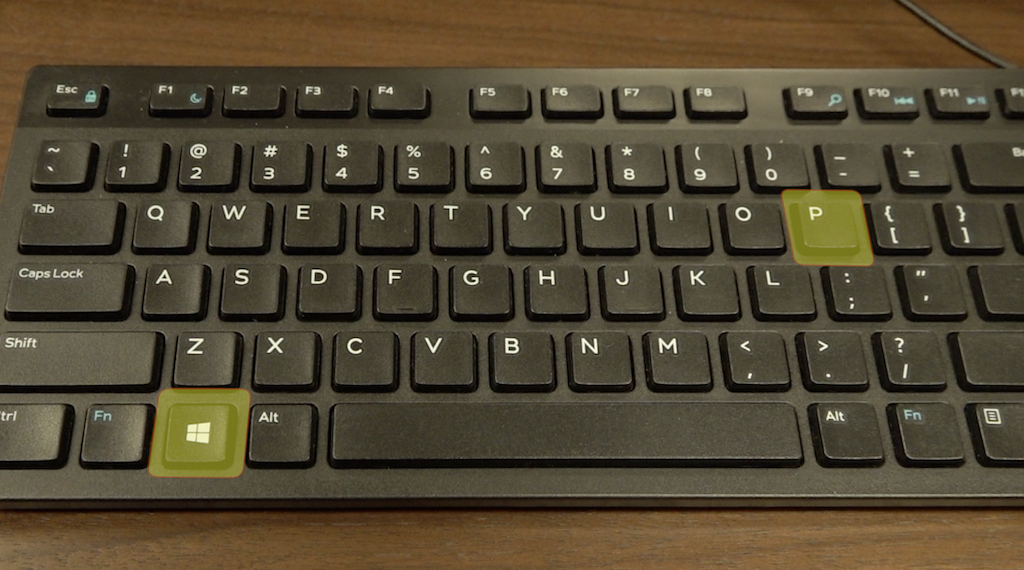
To switch cameras on Zoom, select Alt+N at the same time on the classroom keyboard.
Additional Tips and Resources for Hybrid Learning
For questions related to the hybrid classroom experience, contact ims@sandiego.edu or use the help button on the classroom control panel.